How Do I Join A Group?
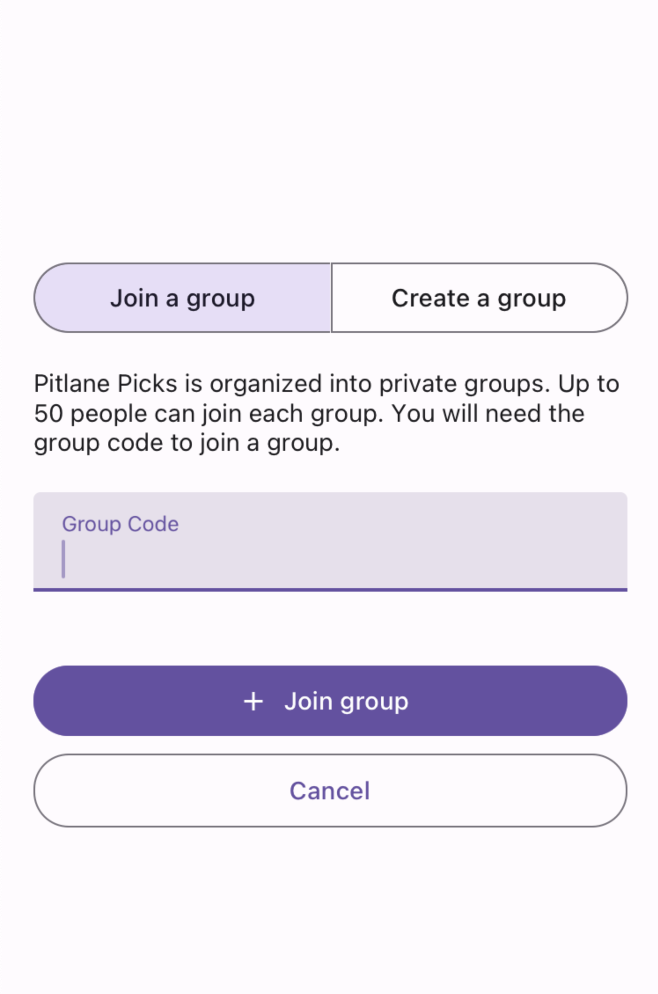
When you first create an account you will be asked to join or create a group. Enter the group code to join a group or create your own group.
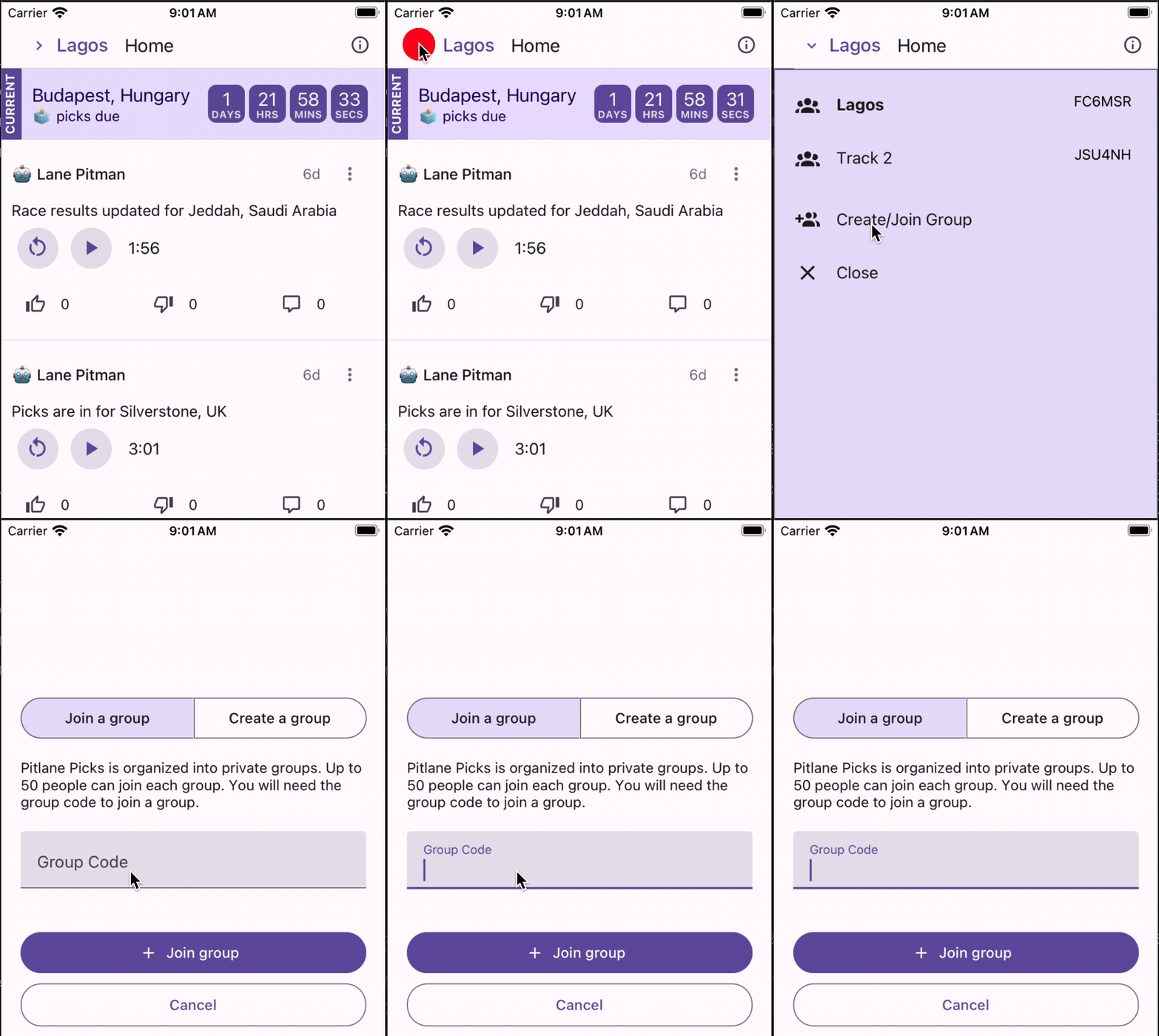
Once you are part of a group, you can join or create a new group by tapping on your current group name in the upper left of the home screen. The group dropdown will open. From the dropdown, you can create, join, or change groups.
Other questions? Reach out anytime by emailing [email protected].